Quick Epype Report
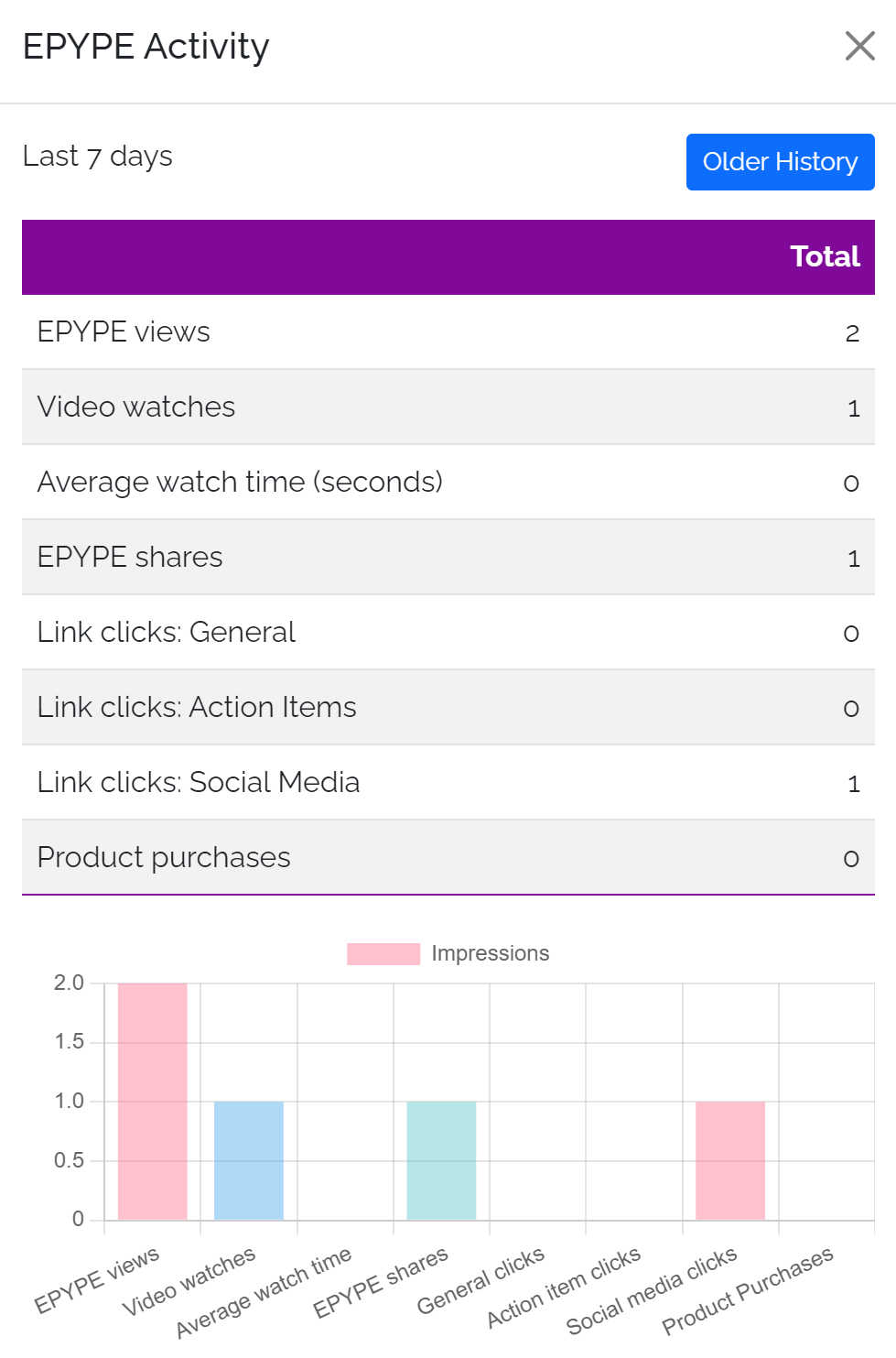
You can click on any Epype to view the analytics for the last 7 days
Custom Reporting
Epype provides reports on products purchased, Epype views, how many people have followed you with keywords, and even how many people have clicked your social media links.
Here is where you can access different kinds of reports:

3 Reports Available on Your Profile
- Outbound SMS
- Epype Activity
- Keyword Activity
Outbound SMS
To Access the report:
- Modify the Date Range and click the Search button.
- Generate report - click the Get Report button on the right side of the screen in line with the SMS Message report you are would like to generate.
- A number of data graphs and tables are included in the report. It includes the Opt-in Request Message, Delivered Messages, Undelivered Messages, and much more.
- You can print a hard copy or download a soft copy of the report.
Epype and Keyword Activity
To Access the report:
- Generate report
- For ONE Epype or Keyword - click the Get Report button on the right side of the screen in line with the Epype or Keyword report you are trying to generate.
- For MULTIPLE Epype or Keyword (compare up to 5) - click on the checkbox beside the Epype or Keywords then on Compare Selected to generate comparison report.
- Modify the Date Range and click the Filter button.
- A number of data graphs and tables are included in the report. It includes Epype views, Epype shares, Product Purchases, Keyword Opt-ins & Opt-outs, and so much more.
- You can print a hard copy or download a soft copy of the report.
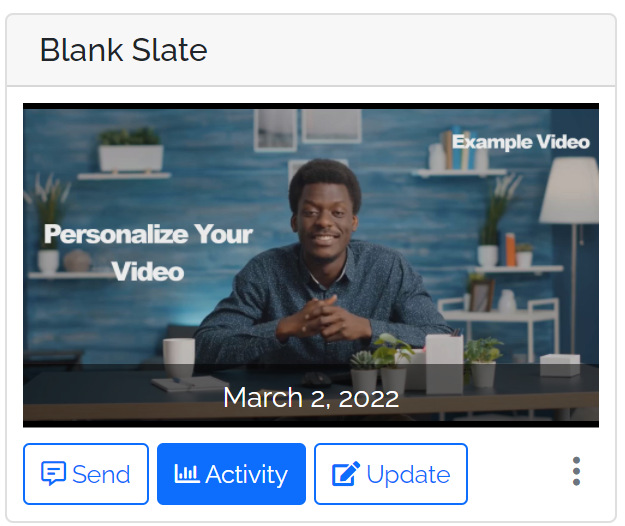
Note: You can get a quick snapshot of Reports for a specific Epype by clicking on the Activity button on that Epype in your Epype Library.
Get and compare reports for your business and personal analysis instantly.