Getting In Touch And Staying In Touch Has Never Been So Easy!
Now that you can make an EPYPE like a pro, it is a great idea to make one as a designated Business Card. You can have a personal video introducing yourself, highlighted information about you or your business, and links to schedule an appointment and ways to contact you.
The best part? You can set this EPYPE as your designated Business Card in your Profile settings.
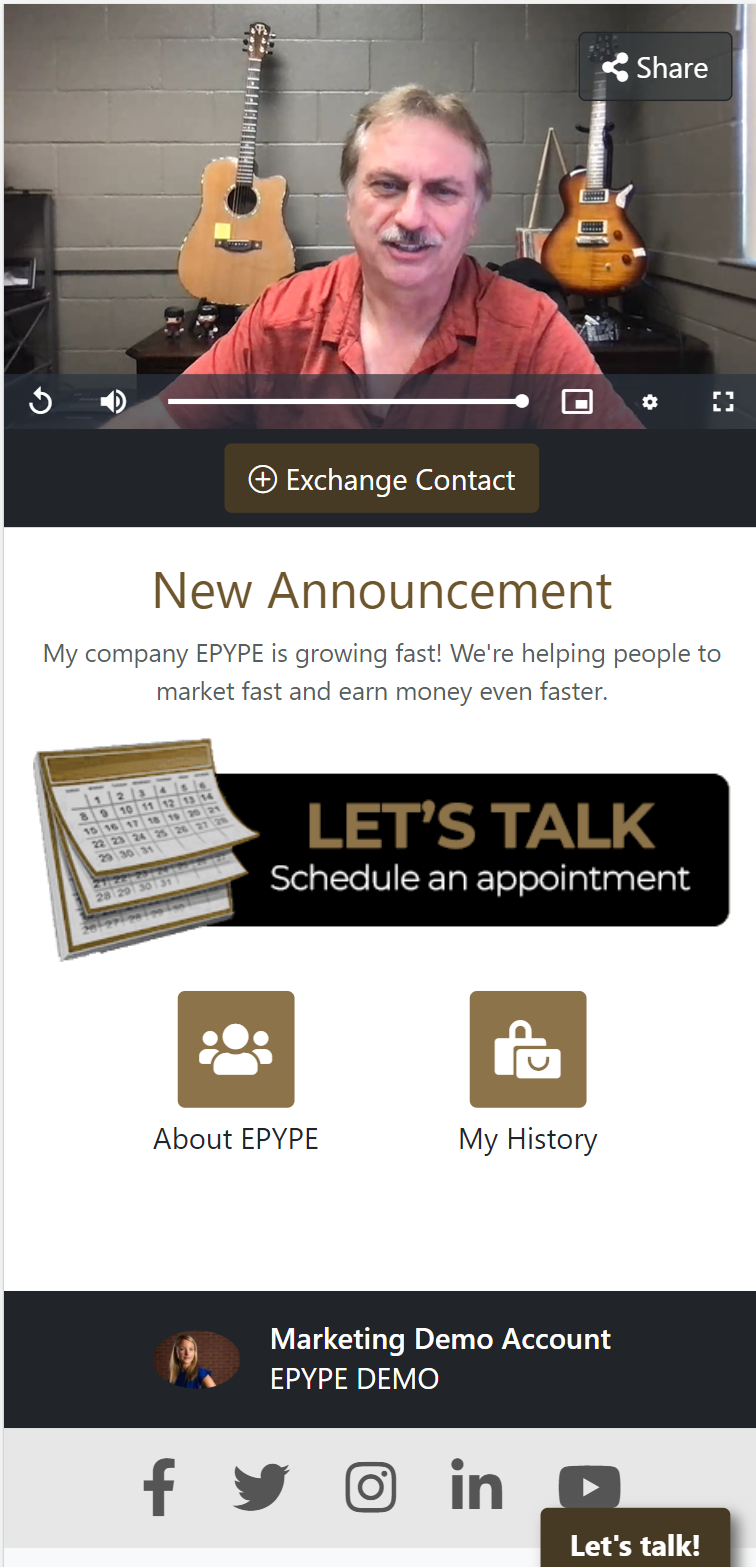
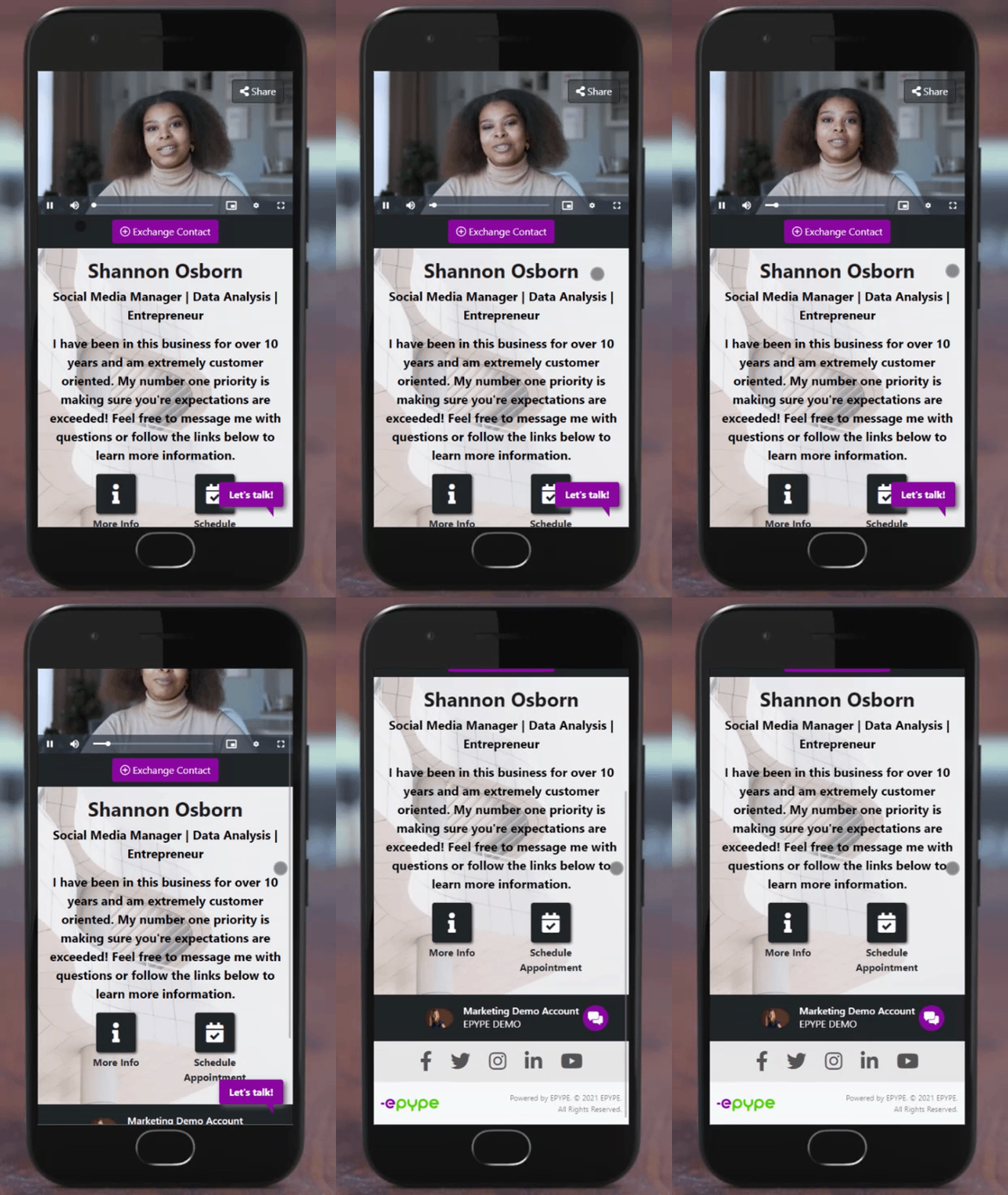
Here is an example of a Business Card:
Here's how you set that up:
1. Go to Update Profile > Profile > About Me EPYPE

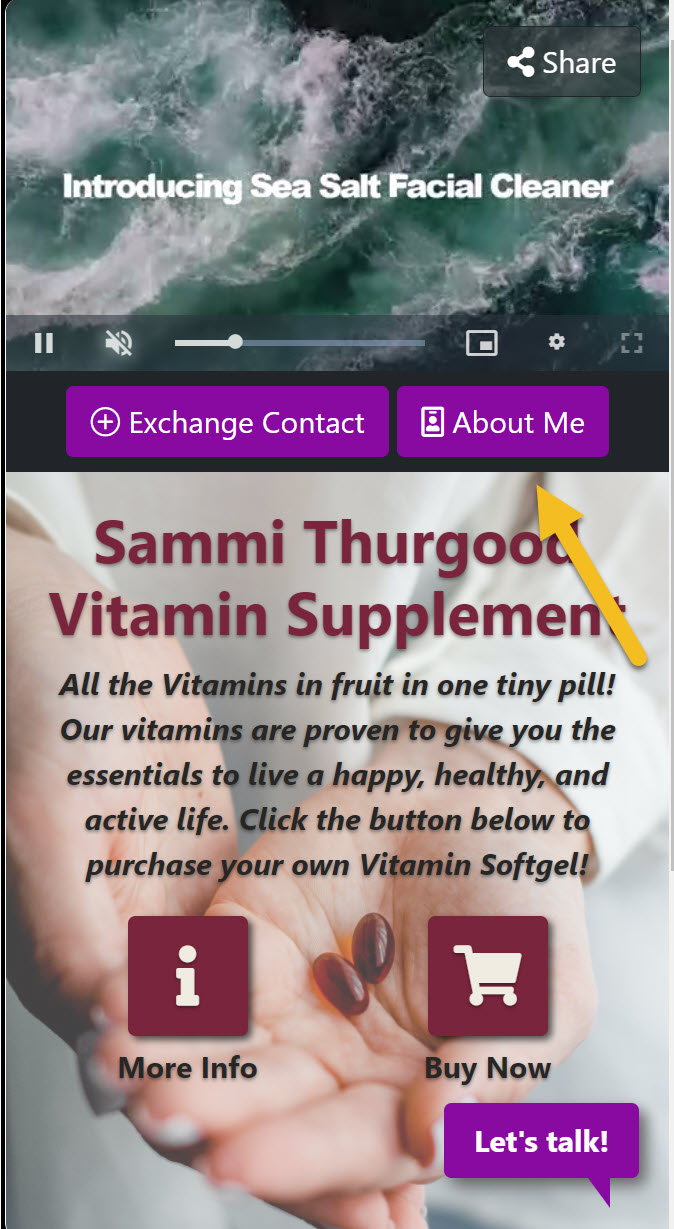
In the drop-down under the About Me EPYPE, select your Business Card. Doing this will automatically create a button next to the Exchange Contacts button below your video on each EPYPE, and this button will link to your Business Card EPYPE from any of your other EPYPE. The About Me button will not appear on your Business Card. Pretty cool, huh? And don't worry, you can turn this off for a specific EPYPE.
Here's what it looks like when you have a Business Card set up on your account:
EPYPE About Me (Linking to your Business Card EPYPE)
Business Card