Updating and Customizing the Contact Bubble is Easy!
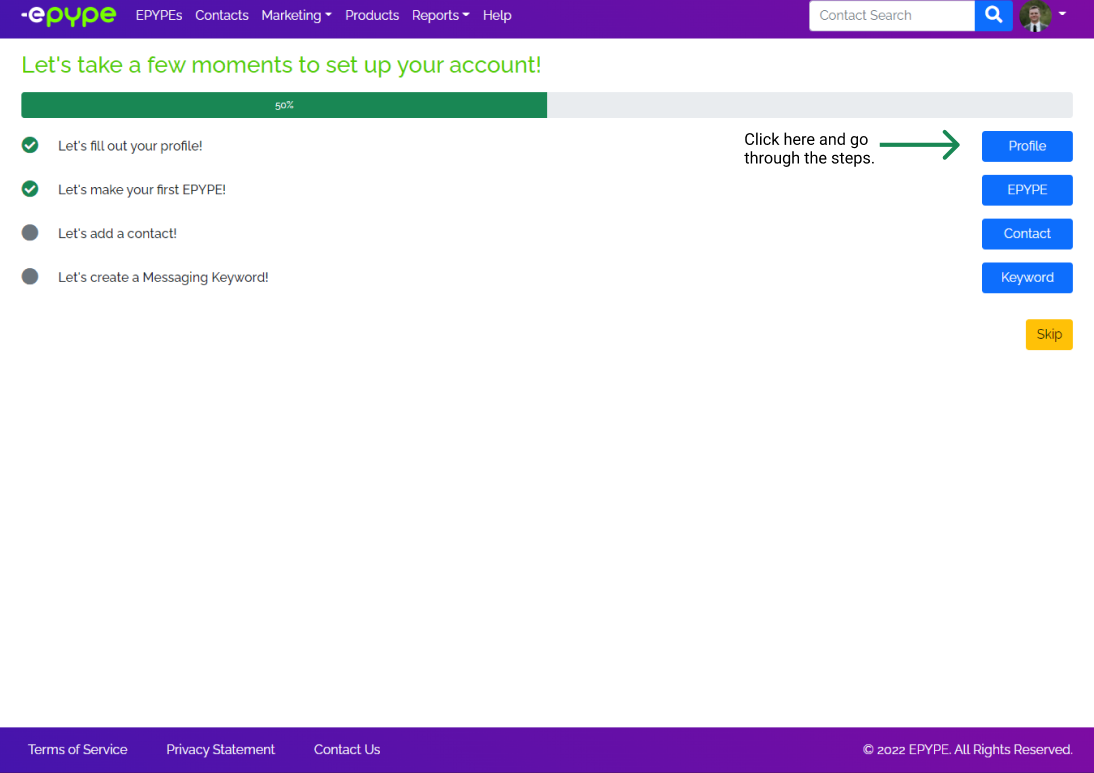
Make sure to go through the onboarding process and fill out your profile before you continue.
Customize your Contact Bubble for every Epype!
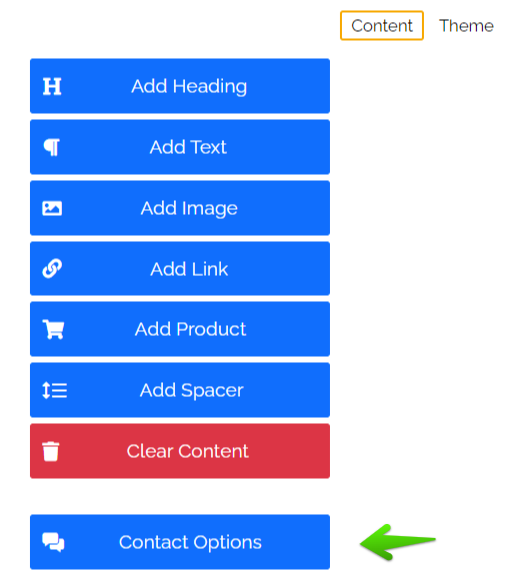
While creating an Epype, you can customize what shows up in your Contact Bubble. You can deselect one or more of your contact options, or type in different information other than what you originally put in your contact information.
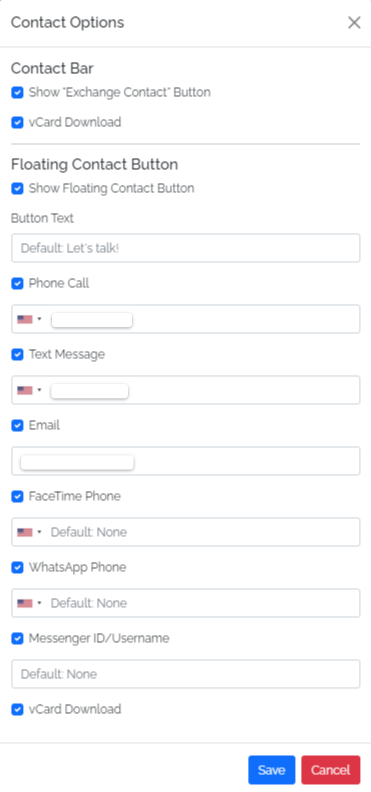
Below is the list of information for contact options that will show up on your Epype.
Editing Contact Bubble information for all Epype's you create.
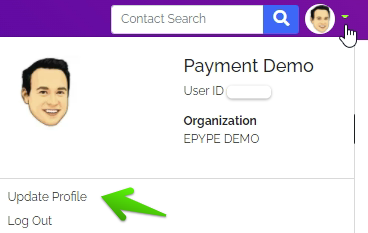
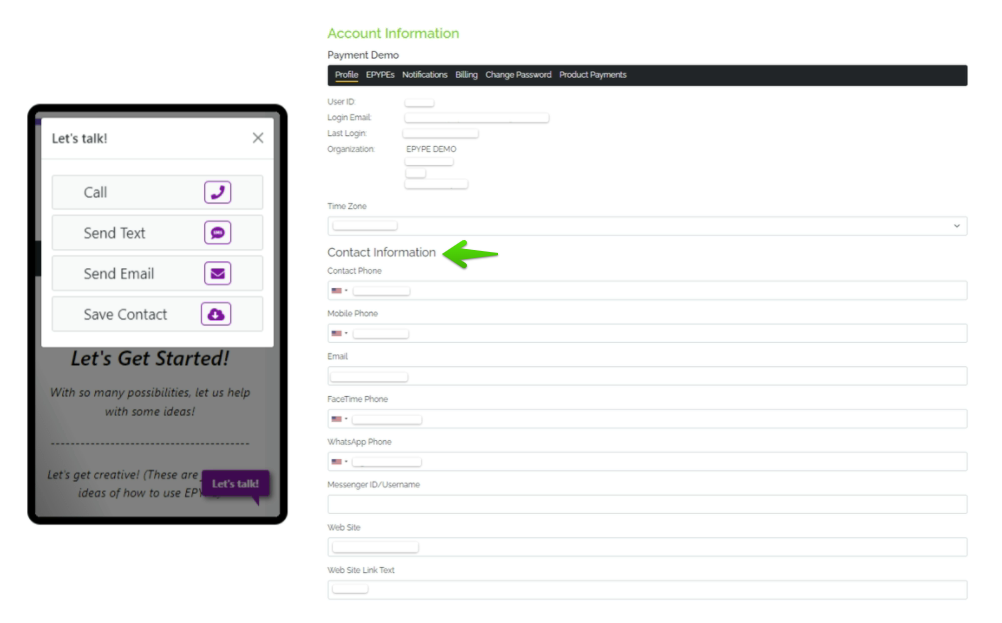
If you don't want to keep editing you contact bubble every time you create an Epype, you can change the default settings for your contact bubble in your profile. Go to Update Profile from your profile icon.
Contact Information and Floating Contact Button
The information in the Contact Information section will be default for all Epypes you make.
You can change your:
- Contact, mobile, FaceTime, and WhatsApp phone number.
- Messenger ID/Username
- Web Site
Setting up your profile is an important step in being successful when using Epype! We are excited for you to grow your business. Please reach out to us if you have any questions!
Last Updated by: BG 03/21/2022